About Keyboard Tenting
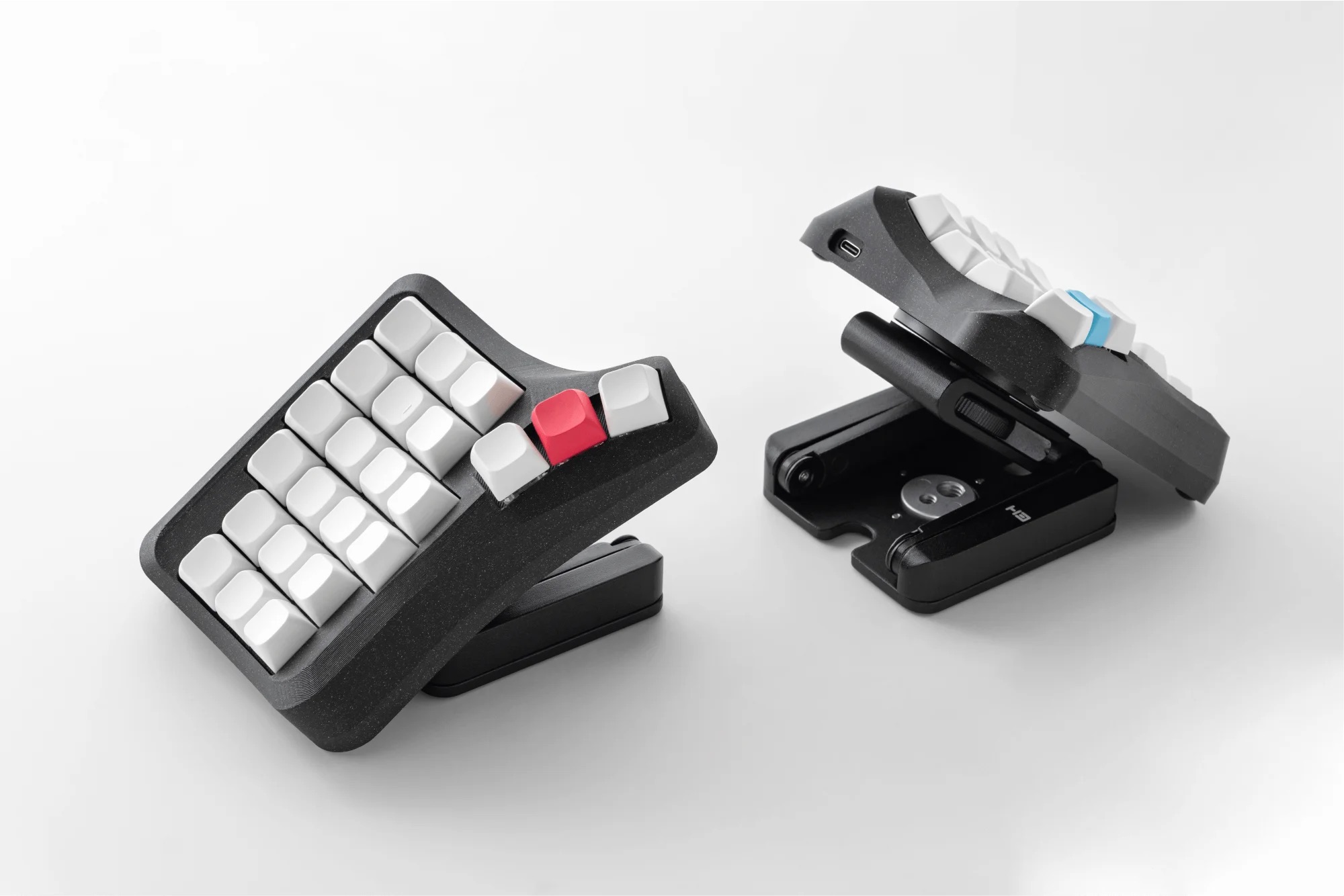
Let’s start with the question: why tent a keyboard at all?
Keyboard tenting, makes working with a split keyboard, already comfortable, even more so. By tenting the keyboard, the wrist adopts a more natural position, like when shaking hands.
For the same reason, vertical mice exist, but this article is not about them. Let’s return to keyboard tenting and look at the Universal Tenting System, offered by Ergohaven.
Keyboard Tenting Stands
Universal Tenting System consists of several components, the main ones being the stands.
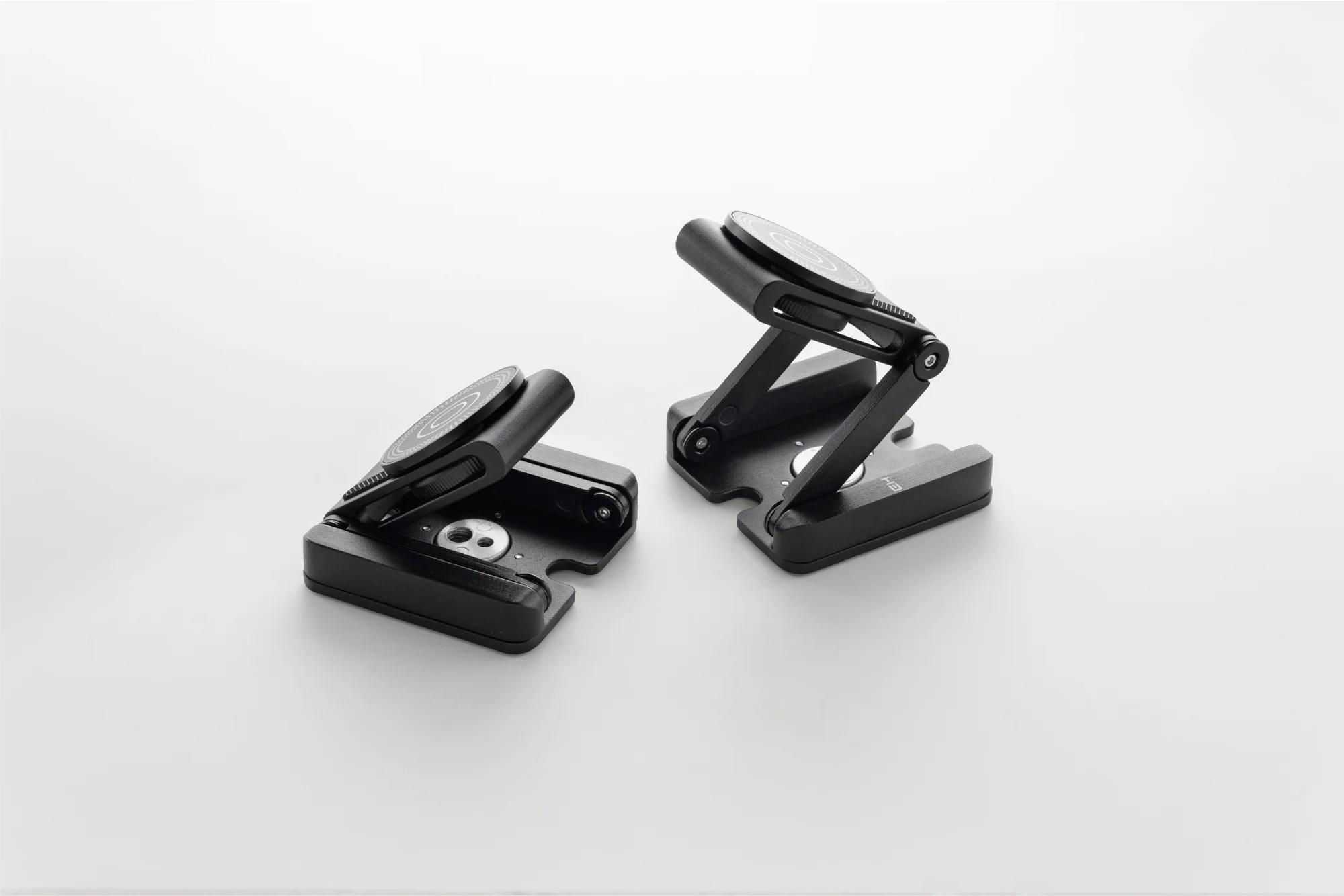
Durable metal stands have numerous adjustments that help find the most comfortable position.
The stand consists of two segments, and their positions can be adjusted. To prevent the keyboard from shifting while you work, the hinges are securely locked in place with an Allen wrench. This ensures the stand maintains its angle even during the most intense typing sessions.
The base of the Universal Tenting System stands is quite heavy, so the structure is stable and does not wobble while typing. The base features rubber feet that prevent slipping on smooth surfaces and make the stand even more stable.
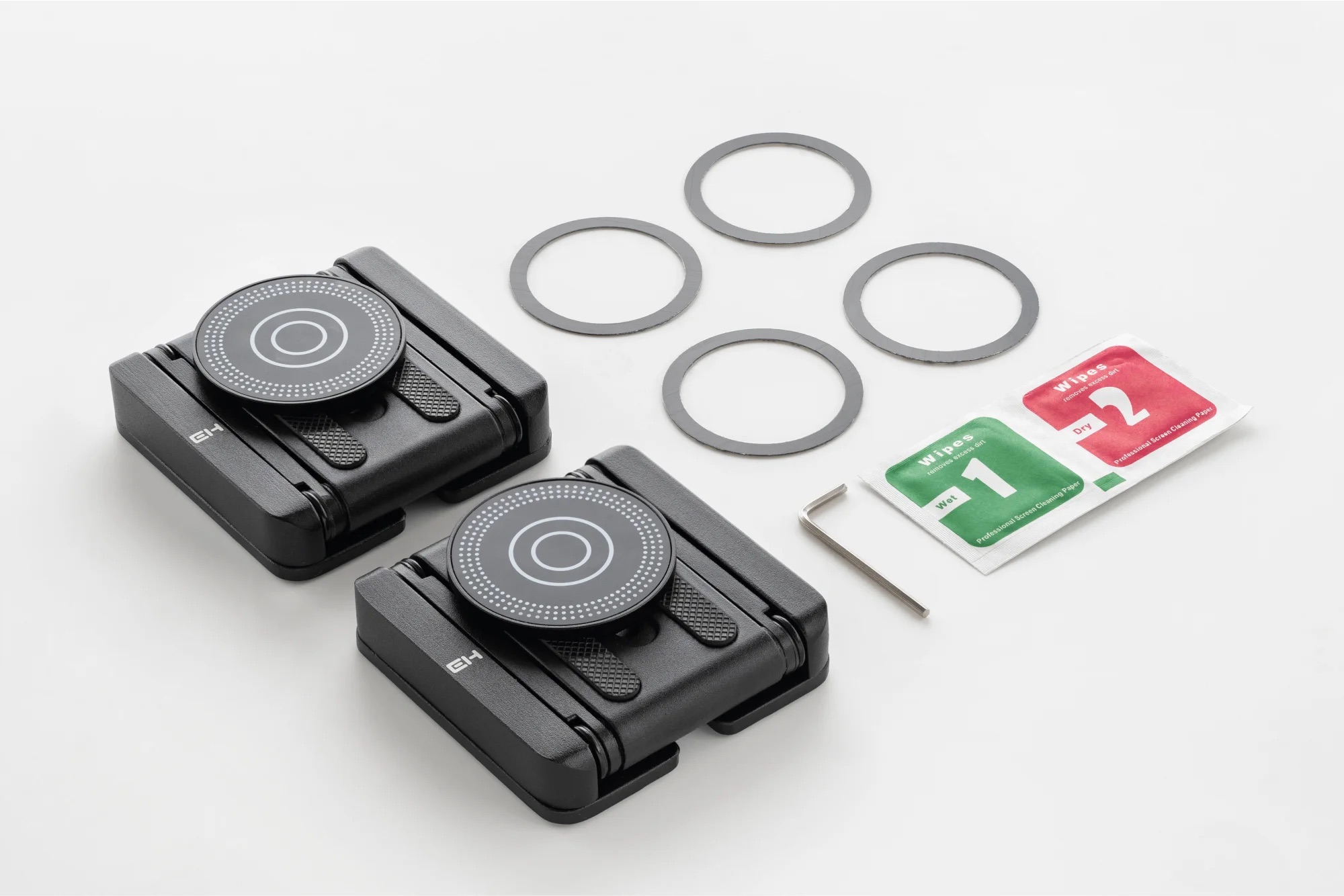
The stands attach to the keyboard using a magnetic disc and a MagSafe metal ring. In many Ergohaven keyboards already have the MagSafe metal ring integrated into the keyboard case.
The Universal Tenting System comes with two adhesive metal rings. If your keyboard doesn’t have such a ring built-in, you’ll need to attach it to the keyboard yourself.
Palm Rests
Another important component of the Universal Tenting System is the palm rests.
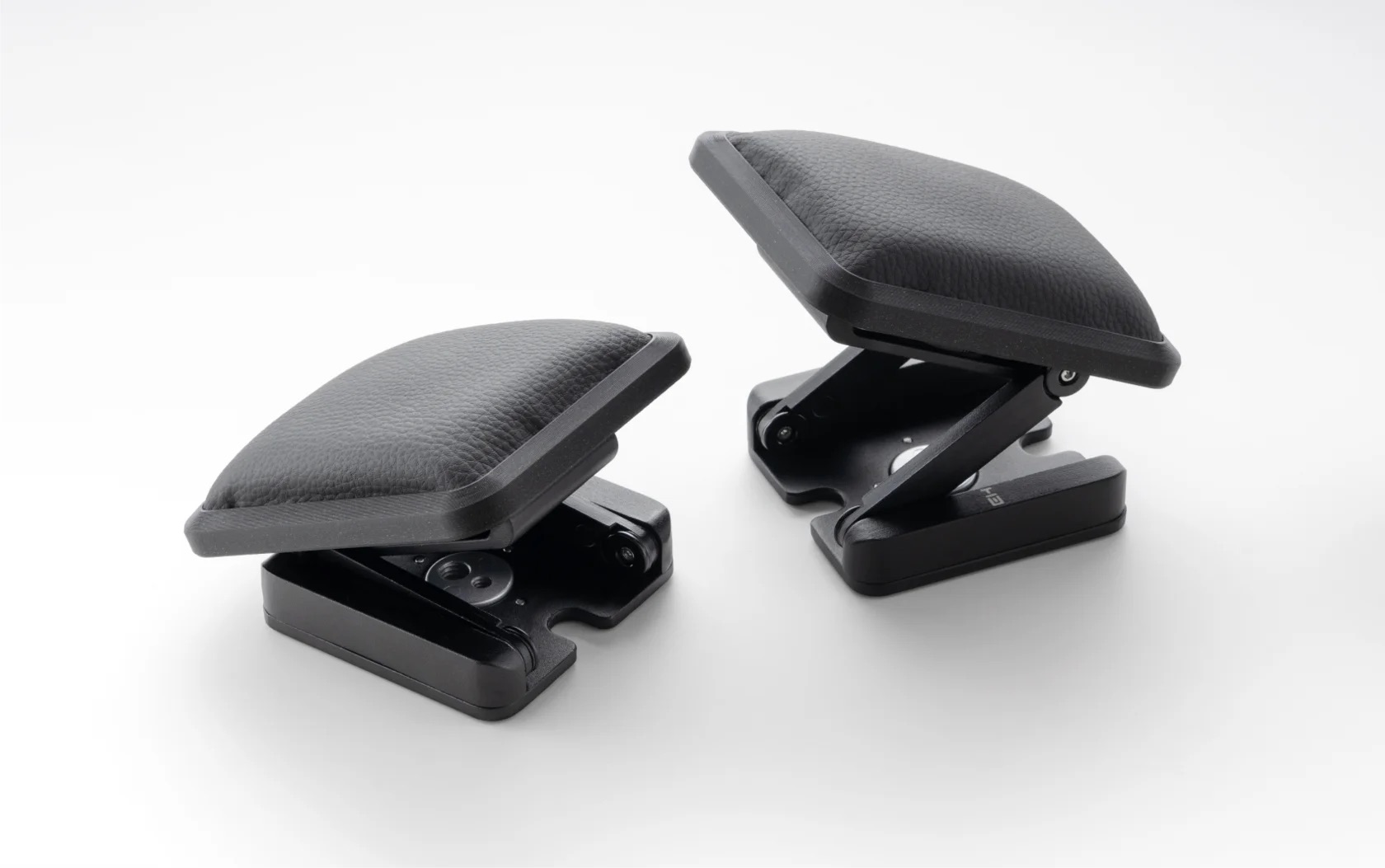
When the keyboard is tilted, its height increases noticeably, but the soft rests made of foam and eco-leather provide comfortable support for your palms. The pads on the stands offer the same range of adjustments as the stands themselves, so it’s easy to find the right height and angle.
Thanks to its many adjustment options, the paml rest can be used in various ways: as a support for resting your hand when you’re not typing, or as an integral part of your workflow, allowing your palm to remain on the soft surface even while typing. The palm rest can be easily fixed to the desired height for any specific use case.
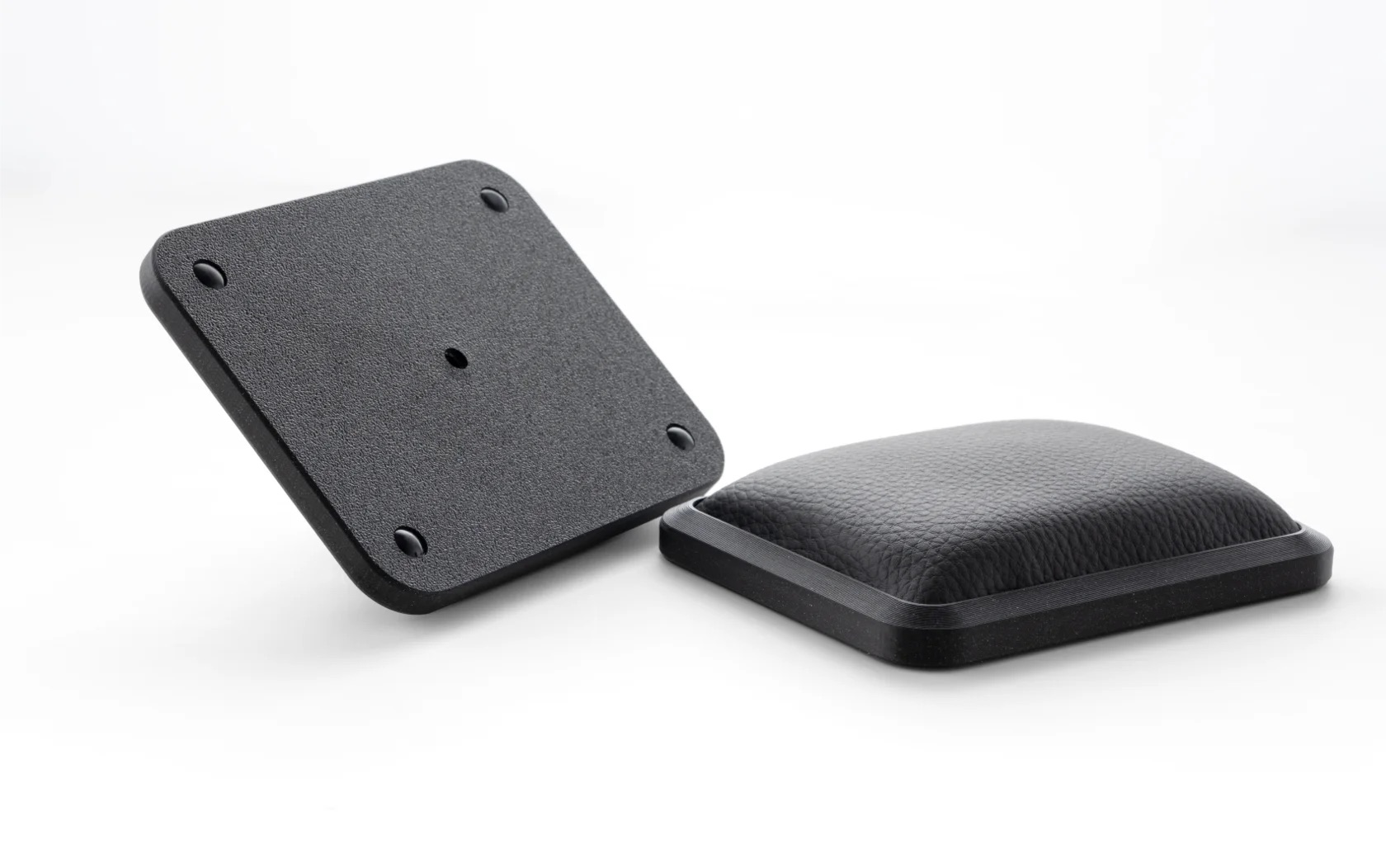
They can be used both with or without stands. Even without keyboard tenting, the rests provide a comfortable support for your palms. Placing them next to the keyboard makes your hand more comfortable both while typing and when resting, because the wrist bend is significantly less than when resting on the desk.
Usage Examples
All of the tenting system features listed above help create a very comfortable workspace. Below are a few impressive examples from community members.
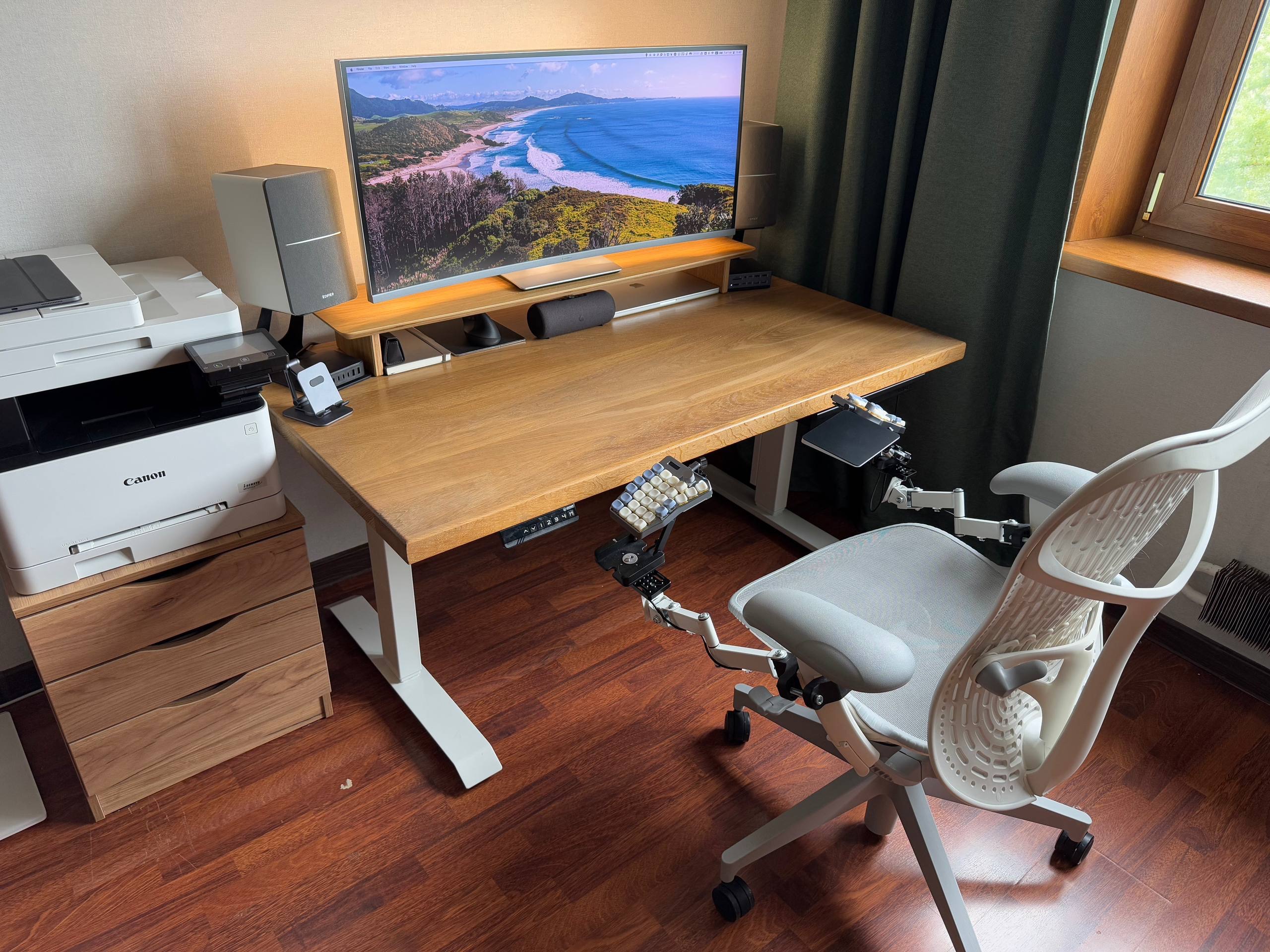
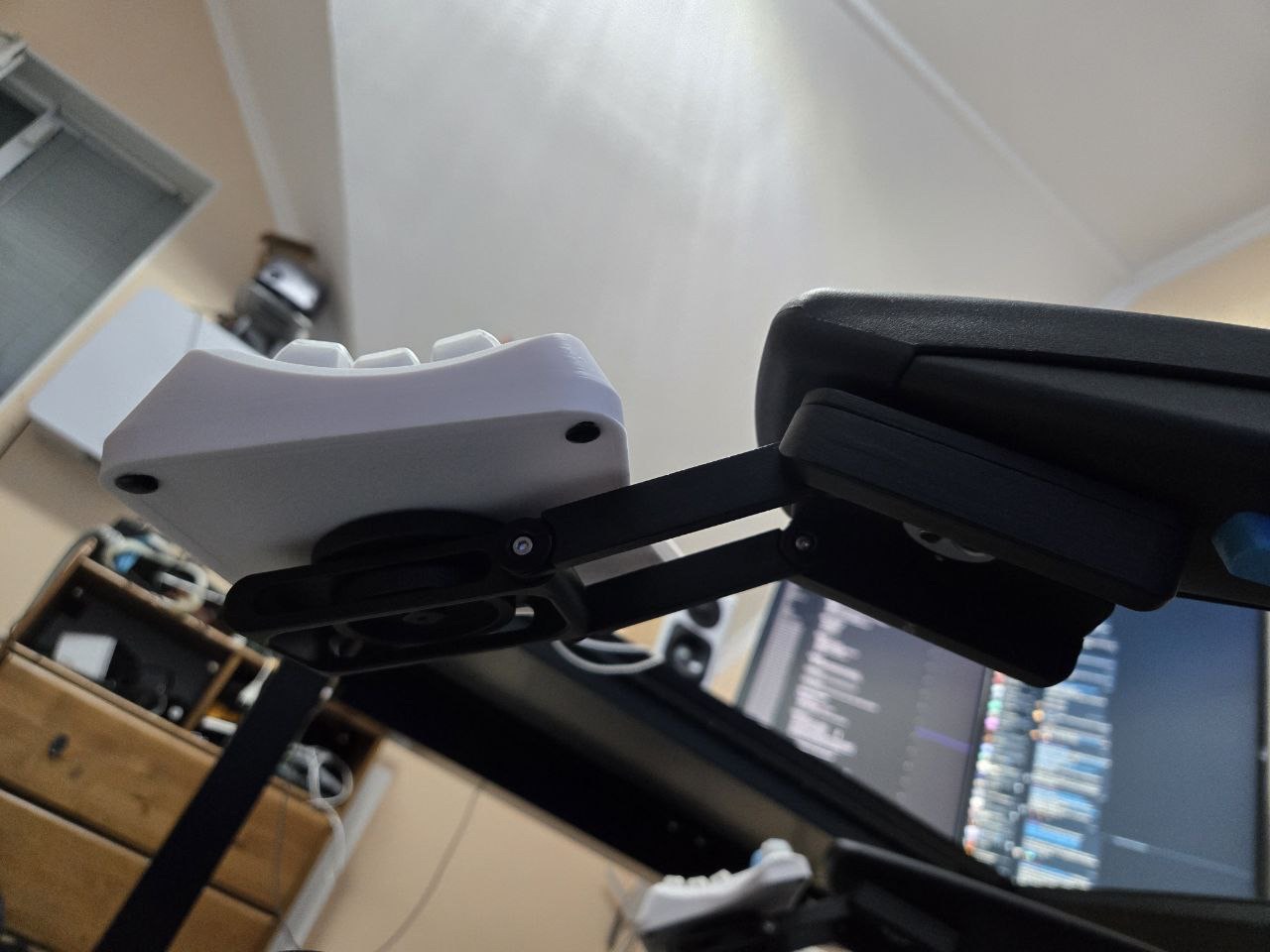
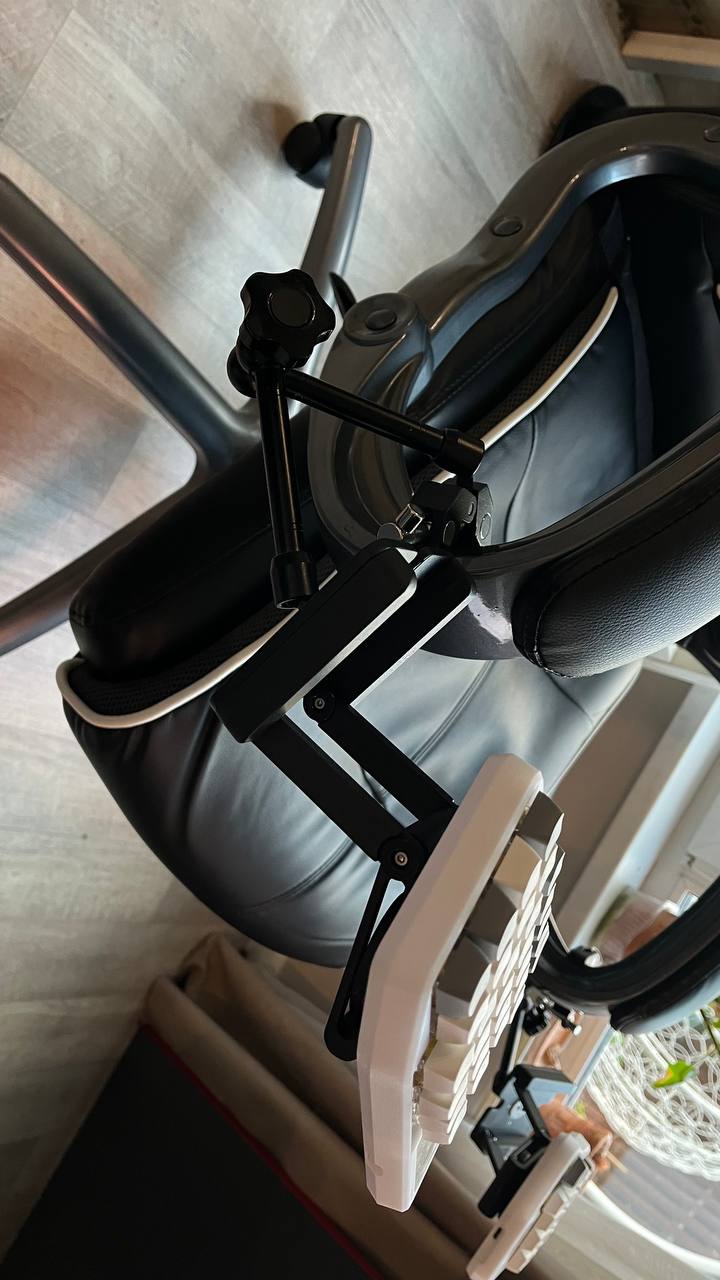
You can find more interesting examples in the Ergohaven community, in the BST topic.